If your copyrighted work is being shared on Telegram without your permission, whether that is your videos, photos, paid content, music, or anything else you created, you can have it taken down under copyright law. Telegram hosts the files itself and resists a lot of pressure, but it does process valid copyright complaints. There are two routes that work, plus a way to escalate when Telegram stalls.
If the content is intimate or was shared without your consent, you have extra options beyond copyright. See the guide to removing leaks from Telegram for those.
Route 1: Send a DMCA notice to dmca@telegram.org
The most direct route is a DMCA takedown notice sent straight to Telegram’s copyright address: dmca@telegram.org.
For the notice to work, it has to contain the six elements the law requires: your identification of the copyrighted work, the exact Telegram links where the infringing copies sit (the channel or message URLs, the ones that start with t.me), your contact information, and the good-faith and accuracy statements with your signature. A notice missing any of these gives Telegram a reason to set it aside.
Rather than write all of that from memory, use our DMCA notice generator. It assembles a complete, correctly formatted notice around your details, which you then paste into an email to dmca@telegram.org. If you want the full walkthrough of how the process works, our guide to sending a DMCA notice covers it step by step.
Route 2: Use Telegram’s in-app report
Telegram’s built-in report flow has a copyright option, and it is worth using alongside the email, especially for a handful of posts.
Start by selecting the offending post. On a phone, press and hold the message. On desktop, right-click it. Then choose Report.
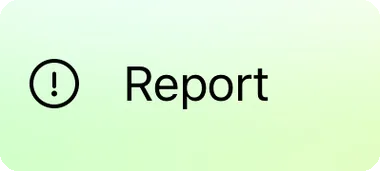
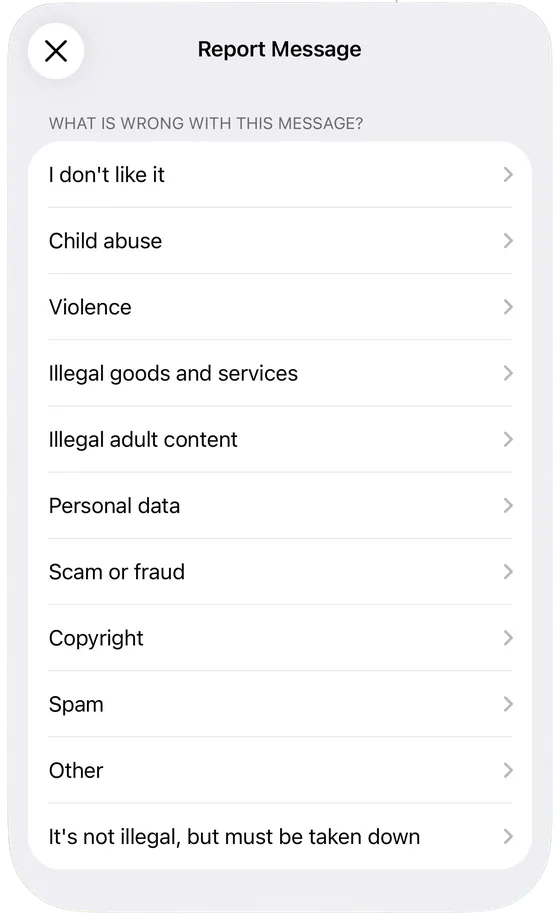
Telegram then asks what is wrong with the message. For infringing work, choose Copyright.
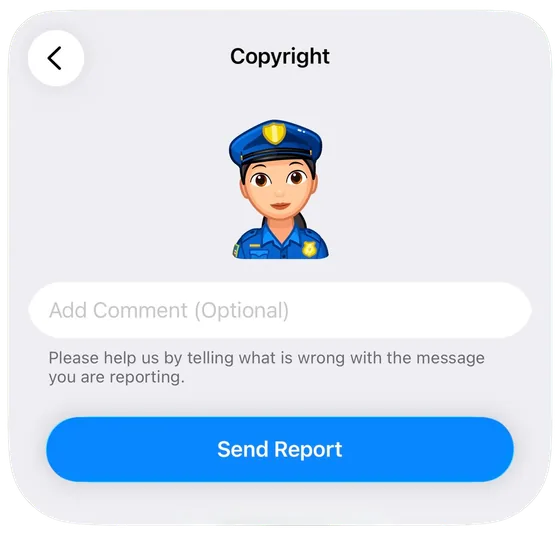
On the final screen, add a short comment that you own the copyright to the material and that this post uses it without permission, then send the report. The comment box is brief, so keep it direct.
Repeat this for every message and channel carrying your work. Several reports on the same content carry more weight than one.
When Telegram is slow or ignores you: escalate to Apple
Telegram sometimes acts slowly, and sometimes does not act at all. When that happens, you escalate to the company that lets Telegram reach its users in the first place.
Apple distributes the Telegram app through the App Store, and Apple runs a dedicated process for intellectual property disputes involving apps. A complaint that the Telegram app is distributing content that infringes your copyright applies pressure from a direction Telegram cannot brush off, because its place in the App Store is worth far more to it than any single channel.
File it through Apple’s App Store intellectual property dispute form, and explain plainly that the app is hosting material that infringes your copyright and that the platform has not removed it. (If you are on Android, file the equivalent complaint through Google’s legal removal form, selecting Google Play and then Copyright.)
Use the routes together. Send the DMCA notice, file the in-app reports, and escalate to Apple if the platform stalls. Each one reaches a point the others miss, and the combination is what moves content that a single notice never would.